Thoughts, linked.
An infinite canvas, purpose-built for your knowledge network.


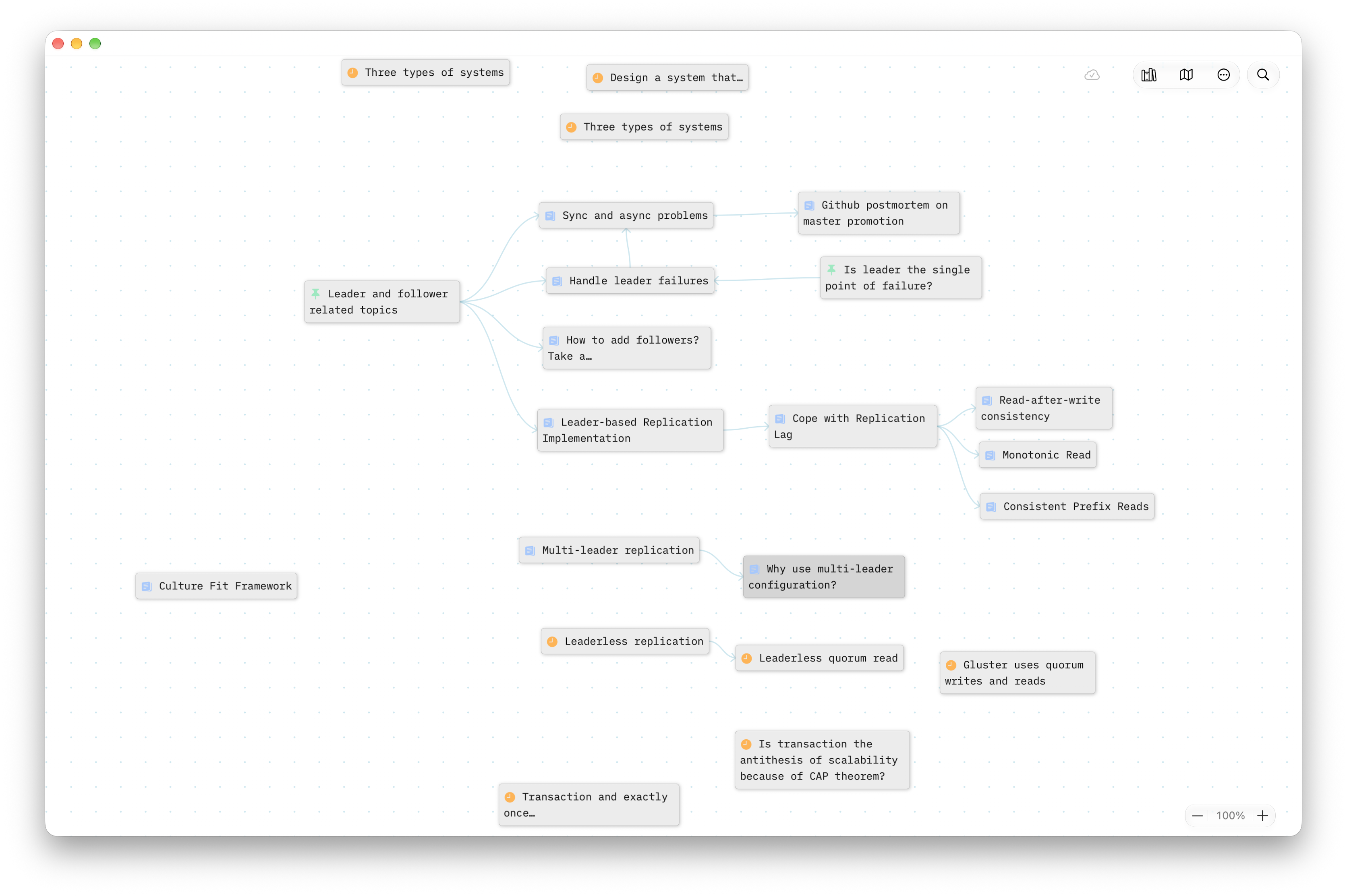
Edit without ever leaving context.
Most note apps make you manage files, titles, and panes before you can think. MyZettel removes every bit of that friction, so a thought goes from your head to the canvas in one gesture.
A place for every stage of a thought.
MyZettel is built on the Zettelkasten method. Each note type has its own color, so the life cycle of an idea is visible at a glance.
Fleeting
For nowRough thoughts, caught the moment they appear. Touch and hold anywhere on the canvas and type. When the idea is clear, change the note type.
Permanent
For goodOne conclusion, in your own words, with enough context for your future self. Once a note is Permanent, it cannot return to Fleeting.
Literature
From a sourceNotes tied to a source: a book, a talk, a post. Start a reference with nothing more than a name, and grow a cluster of notes around it.
Capture. Shape. Link.
Use MyZettel as a light companion. Capture ideas anywhere, then bring in what’s useful.
Capture anywhere
Jot ideas in a book margin, the back of a receipt, or a quick voice memo. Later, on the canvas, touch and hold to drop a fleeting note.
Shape when ready
Refine fleeting notes into self-contained, context-rich thoughts. When an idea is clear, change the note type: choose Permanent, or choose Literature to tie it to a reference.
Link over time
As connections emerge, use @ to link in notes. Your network grows at your pace:
dip in for a minute or map out a whole idea when you have time.
Lightweight by design, so you can focus on thinking.
Writing is the only thing that matters.
Four principles from the Zettelkasten method.
Personal
Write in your own words to build true understanding, not just copy information.
Context
Write as if explaining to someone else, so your future self fully grasps what you meant.
Atomicity
Each note holds a single, self-contained idea, small enough to link from anywhere.
Interlink
Link naturally as part of writing, and a personalized knowledge network emerges.
Simple, and stays out of the way.
Support your flow with simplicity. Keep it simple, and keep it going.
Infinite canvas
Freely place and explore visually linked notes without boundaries.
Floating editors
Keep multiple notes open at once. Move and resize them anywhere.
Lightweight by design
No titles. One tap to edit. References start with just a name.
Instant previews
Expand linked ideas into nested chains without leaving the canvas.
Minimap
A zoomed-out view highlighting your current viewport.
Zettelkasten workflow
Manage fleeting, permanent, and literature notes effortlessly.
Privacy-first sync
Local storage with Apple-encrypted iCloud sync across devices.
Trash & restore
Deleted notes can be restored or permanently removed.
Zero lock-in
Your notes remain yours with open export formats (planned).
From your pocket to your desk.
Capture a thought on iPhone, shape it on iPad, map the whole idea on Mac. Light mode, dark mode: the canvas stays clean.
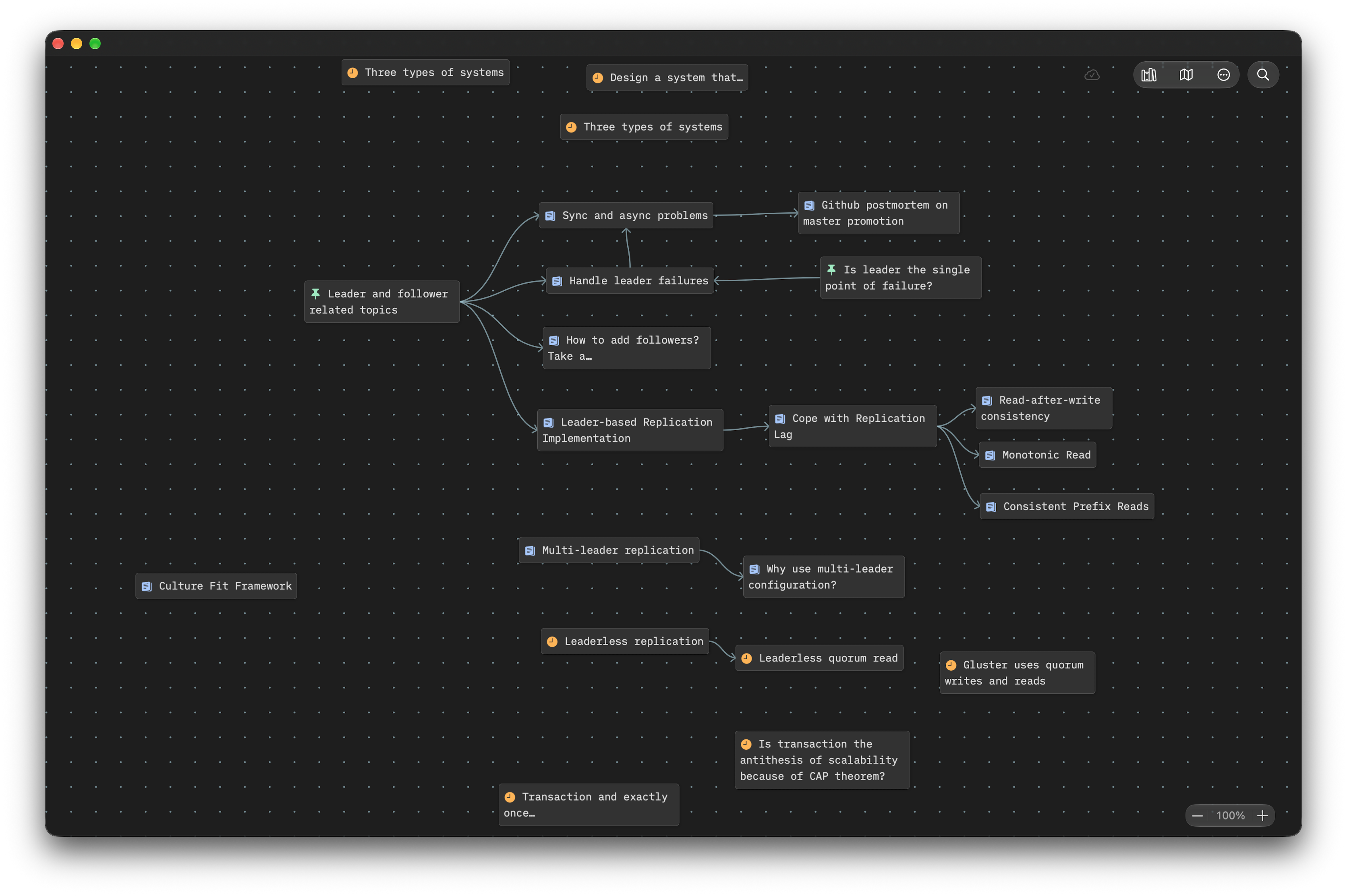
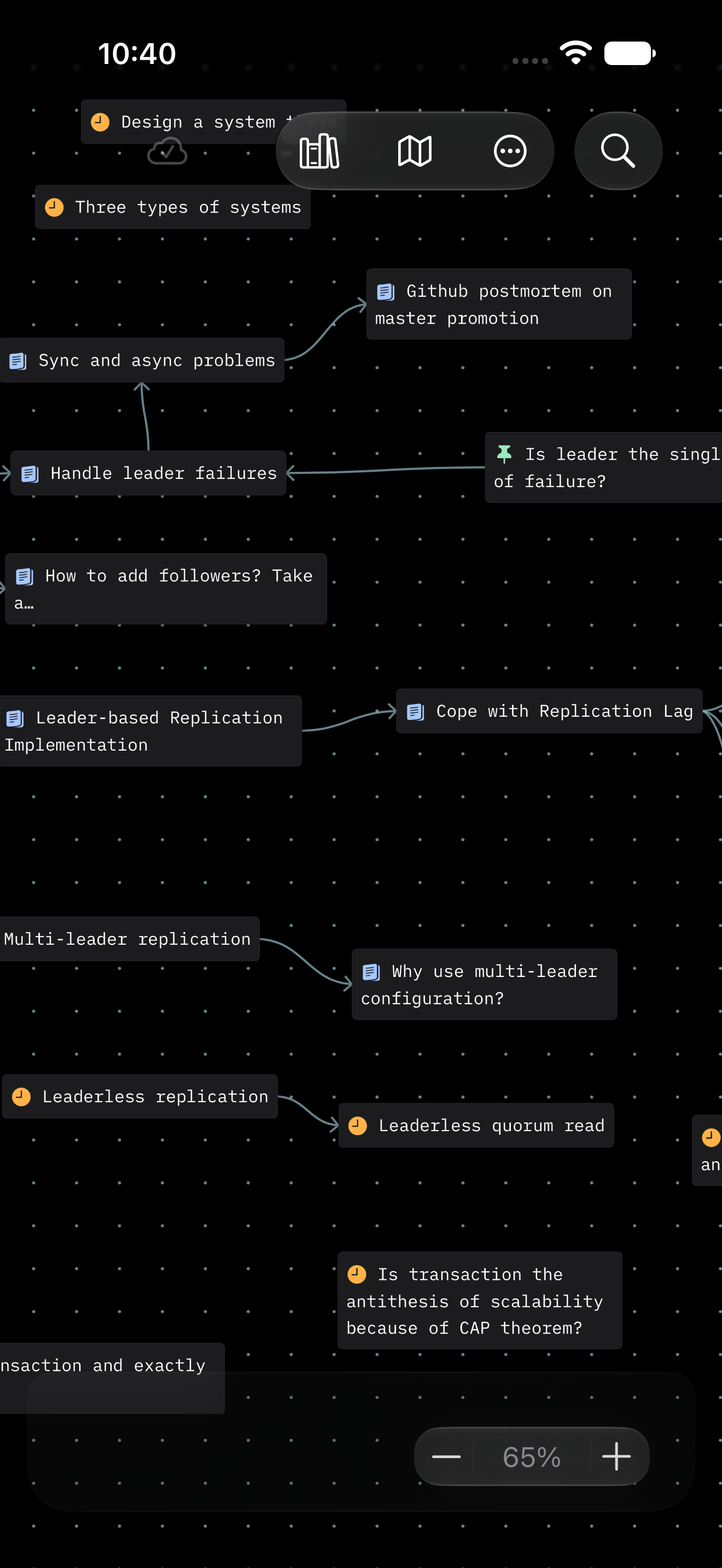
Plus keeps everything in sync through your own iCloud account, encrypted by Apple. No accounts, no third-party servers.
Free to use. Subscribe to sync.
Essential
Everything you need to grow your knowledge network, without limits. Start today.
- Infinite canvas
- Zettelkasten workflow
- Visual linking
- Minimap overview
- Local storage
- Trash & restore
Plus
Sync your notes seamlessly across iPhone, iPad, and Mac with iCloud. One price, all your devices.
- Everything in Essential
- iCloud sync
Price varies by region; see in-app purchase.
Questions, answered.
The Zettelkasten Method
Why build a personal knowledge network in the AI era?
AI can generate summaries, but it can’t build your understanding. Writing, linking, and revisiting notes turns information into your own judgment so that you can think clearly, write confidently, and solve problems faster.
AI can draft a plan, an email, or a decision memo, but you live the results: shipped product, relationship impact, time spent, career bets, parenting choices. You need your own clear thinking to evaluate, choose, and commit.
I’m new to Zettelkasten. Can I still use MyZettel?
Absolutely. MyZettel is inspired by Zettelkasten but stays approachable at its core:
- Capture quick thoughts as fleeting notes.
- Change them into permanent notes written in your own words.
- Optionally link to sources to create literature notes.
That’s all you need to get started. Dive in and see how it fits your workflow.
Where can I learn more about Zettelkasten?
We recommend these introductory resources:
- How to Take Smart Notes: One Simple Technique to Boost Writing, Learning and Thinking by Sönke Ahrens
- A System for Writing: How an Unconventional Approach to Note-Making Can Help You Capture Ideas, Think Wildly, and Write Constantly by Bob Doto
Sönke’s book covers core principles, while Bob’s offers practical implementation guidance. We have no affiliation with these authors. They’re simply great starting points.
Try reading one while you explore MyZettel, and see how a personal note network enhances retention.
MyZettel
What are fleeting notes and how do I create one?
Fleeting notes are quick, informal ideas. You can take fleeting notes anywhere, like a book margin or the back of a receipt, but eventually you’ll want to bring them into MyZettel.
To add a fleeting note, touch and hold anywhere on the canvas and start typing. You can delete or restore recently deleted ones anytime.
How do literature notes work?
MyZettel offers a flexible reference (source tracking) system: enter a title and a few keywords to identify a reference.
You can attach multiple notes under a reference. These notes appear in the reference panel as literature notes.
This design lets you build rich note networks around a source. In scenarios like reading books dense with new knowledge, this design works better than traditional Luhmann-style literature notes.
What are permanent notes?
Think of literature notes as others’ ideas and permanent notes as your internalized thoughts.
Once you change a note to permanent, it cannot change back to fleeting. Internalization is not reversible.
How do I create and protect links?
Typing @ brings up your note list. Select one to create a link.
MyZettel prevents you from deleting linked notes until all mentions are removed, protecting your canvas from broken links.
How does MyZettel compare to other apps?
In many note apps, writing means creating files, naming them, switching views, opening split panes.
MyZettel is designed to have low cognitive friction. Notes don’t require titles. Editors open with a single tap regardless of how many editors you open. References start with nothing more than a name. By removing unnecessary structure and setup, the app keeps your attention on your ideas, not interfaces.
MyZettel emphasizes a freeform canvas and lightweight, atomic notes.
- Unlike flat-list tools, notes sit in spatial context.
- Unlike file-based Obsidian or database-based Notion, MyZettel focuses on lightweight notes.
- Unlike Evernote, MyZettel is about distilling and growing your own knowledge network.
It suits hands-on learners who build understanding through writing and linking.
Can I export my data?
Yes. Open-format exports (like Markdown) are coming soon and will always be free. Your notes are yours.
Do I need an account?
No. MyZettel runs locally on your Apple devices. To sync across devices, subscribe to the Plus plan in the App Store.
How does iCloud sync work?
iCloud sync keeps your notes up to date across all Apple devices signed into the same iCloud account. Changes on one device automatically appear on the others.
Can I use Markdown shortcuts?
Yes. MyZettel supports a few Markdown-style shortcuts:
#, ##, ###for headings>for blockquotes`for inline code*for italic and**for bold@to link notes
MyZettel does not support full Markdown. We intentionally keep the set small so the app stays extensible.
Subscription
Is there a lifetime purchase option?
MyZettel currently offers subscription plans to fund ongoing development and deliver continuous improvements.
Still have questions? Email us at myzettel@innerworks.one